“Are guests waiting too long?”
Line length and every guest's wait at the counter and order pickup, measured against the target you set.
FloorPi turns your own cameras into a floor manager that never blinks. It watches lines, tables, stations and restricted areas, alerts your team the moment something needs attention, and shows you how every shift really went.
Illustrative animation
Line length and every guest's wait at the counter and order pickup, measured against the target you set.
Know the moment a station is left alone while customers are in — and for how long, and who was there.
Visitors, busy hours, table turns, clean-up time and staff coverage, compared with the period before.
Your regulars, your rush, your team. FloorPi keeps an eye on the whole room so you can be out on the floor with them.
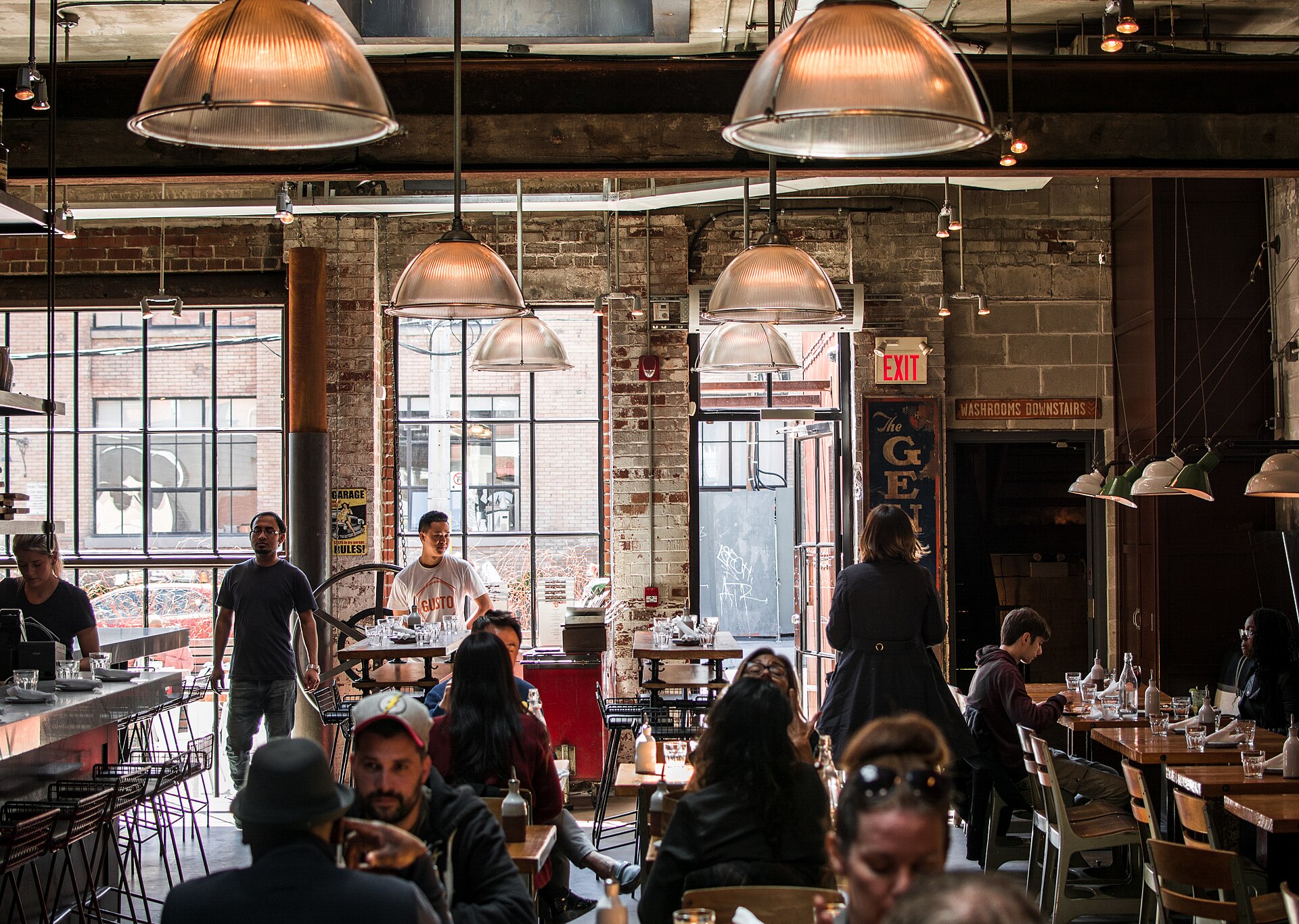 Table 6 · free
3 in line · 1m 40s
Counter · staffed
Table 6 · free
3 in line · 1m 40s
Counter · staffed
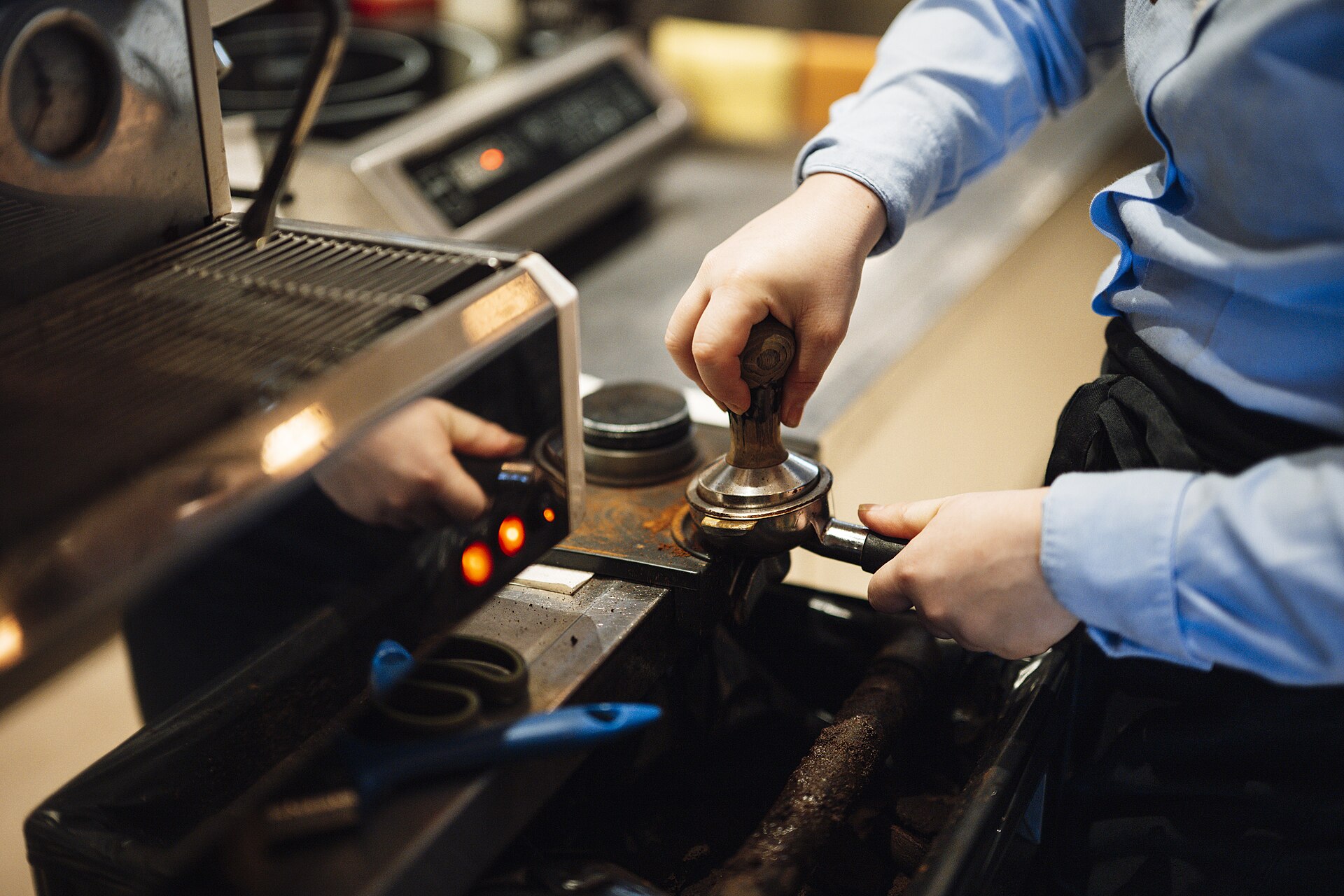 Espresso bar · in use
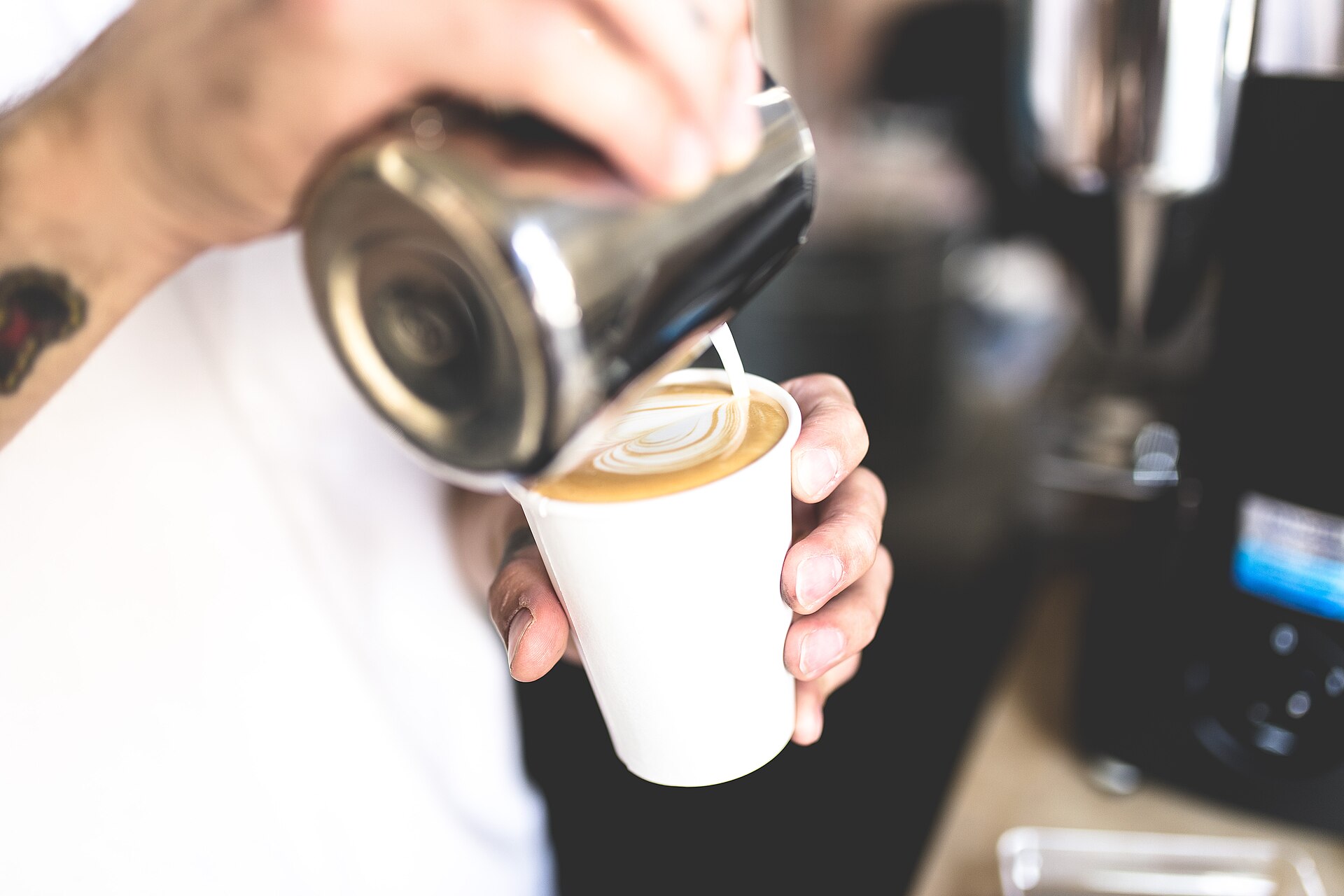 Pickup wait · 0m 52s
Draw your floor once. FloorPi keeps watching, counting and alerting while you run the business.
Line length at the counter and order pickup, each guest's wait, and an alert when it passes your target. Visitors, busy hours and time in store from the entrance.
Free, occupied or dirty — turns, typical stay and how fast it gets cleaned. Bar seats taken, too.
Registers, bar stations and the kitchen pass: staffed, unattended or idle — and the longest gap while guests were in.
Ready-made alerts for customers, staff and security. Pick the tables, lines or stations each one watches, and when it's active.
Live view of every camera on your phone, and recordings with every alert marked on the timeline — tap to jump there.
KPIs compared with the period before, the busiest hours, staff on the floor, and a list of what needs attention, worst first. Several stores in one place, on any phone.
No new wiring. FloorPi uses your own cameras, if they're supported, and a small FloorPi box on your store network does the rest.
We check your cameras are supported, then the FloorPi box connects to them over your store network.
Mark customer and staff areas on the picture, then tag tables, lines, registers, the bar, entrances and restrooms.
Choose the alerts you care about. Check live view, recordings and the dashboard from your phone, wherever you are.
FloorPi runs on a device inside your store. The cloud portal only passes your requests through — it keeps no copy of your footage or your numbers.
Footage, recordings and analytics live on the FloorPi box in your store. Nothing is uploaded continuously.
Faces are only used for enrolled employees, in staff areas. The customer mix is coarse and aggregate, from overall appearance.
Only employees who agreed are enrolled, with their consent recorded. Revoke it any time and their profile is gone.
Mark parts of the picture where nobody is analysed at all — a hallway, a window, a neighbour's door.
Each FloorPi box gets its own certificate and connects out over an encrypted channel. No ports to open on your router, and a lost device can be cut off instantly.
Turn it off, limit it to certain roles, cameras or hours. Every remote view is logged, and the store sees when someone is watching.
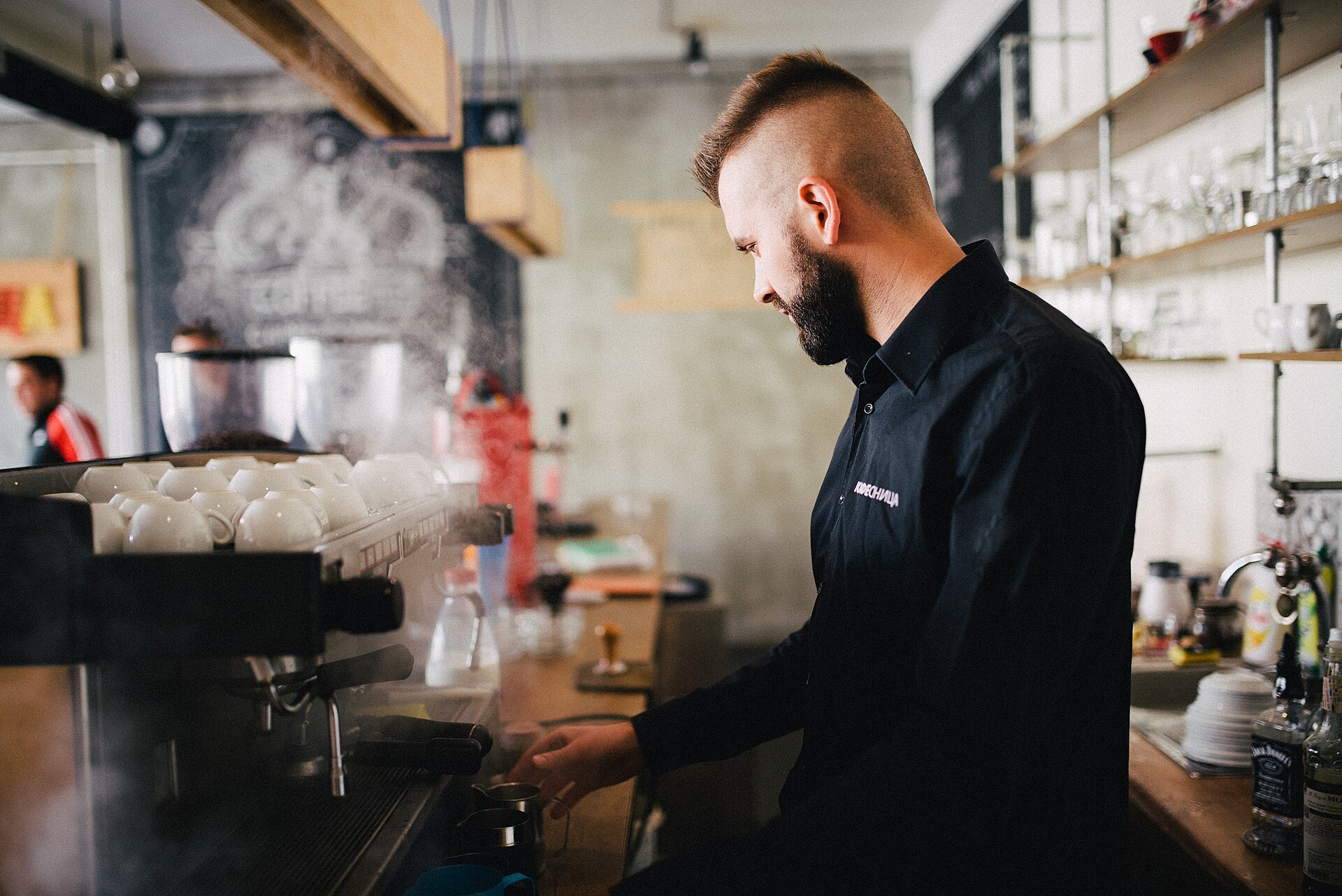
See the line and pickup waits as they build, make sure the register and espresso bar are covered at peak, and know how fast tables are turned and cleaned.
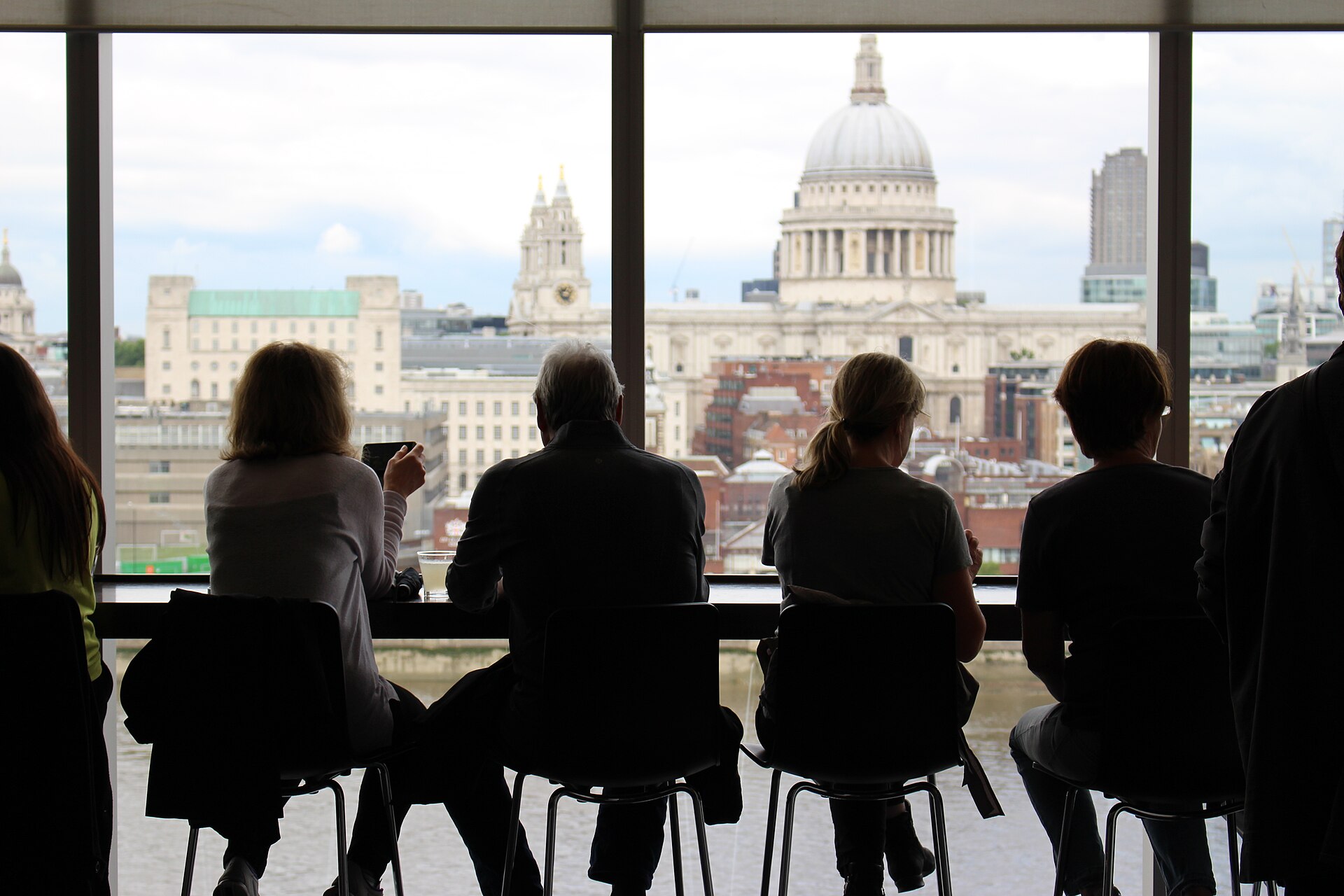
Know how many bar seats are taken, get an alert when guests are waiting and nobody's behind the bar, and see who's on site after closing.
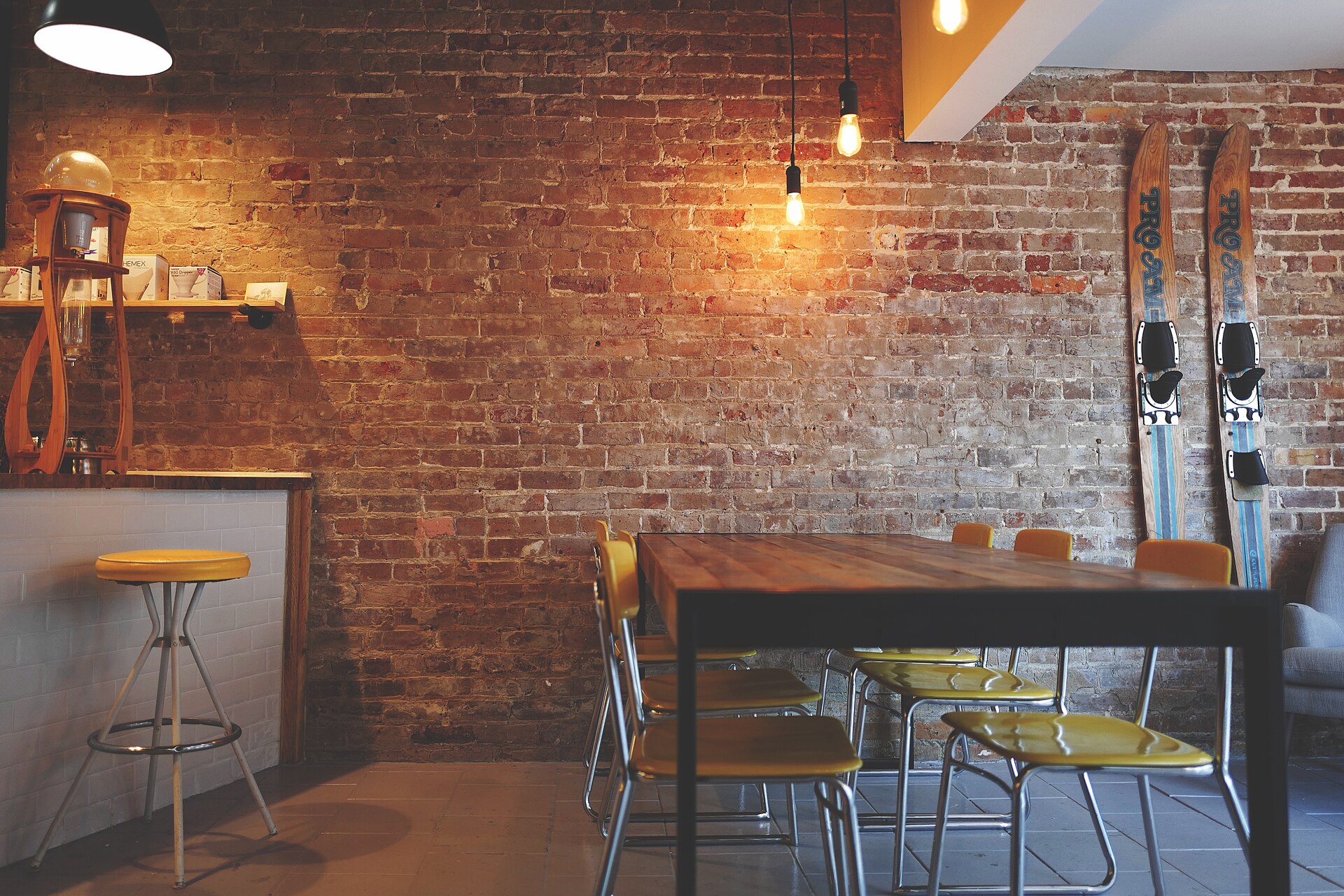
See every table's status, how long parties stay and how quickly tables are cleaned — and whether someone is at the kitchen pass to run the food.
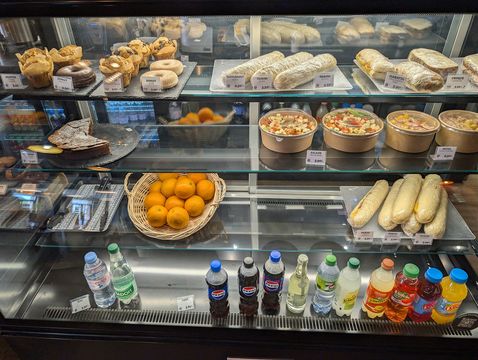
Count visitors at the door, see busy hours by day, keep checkout lines short and know when the register is left alone.
Shorter waits, cleaner tables, someone always at the counter.
Staff to the busy hours you really have, not the ones you remember.
Know the cash office and after-hours are covered, wherever you are.
Uses the cameras you already have, if they're supported. One small box per store.
Yes, if they're supported. FloorPi works with IP cameras that provide a standard video stream (RTSP), which most business cameras do, and we check yours with you before anything is installed. For the most reliable results we recommend wired (PoE) cameras over Wi-Fi ones.
On the FloorPi box in your store. Recordings and analytics stay there; the cloud portal only signs you in and relays what you ask to see, when you ask to see it.
No. Customers' faces are never recognised or stored. Face recognition is only for employees who have agreed to it, and only in staff areas. The customer mix (coarse age group and gender) is estimated from overall appearance, aggregate only, and can be turned off.
FloorPi keeps watching, recording and raising alerts in the store. Remote access and phone notifications resume when the connection returns.
It depends on the cameras and how much you ask of each one. A typical café or bar setup is a few cameras per box; we size it with you before installing.
Yes. Live view, recordings, alerts and the dashboard all work on a phone, and alerts can arrive as push notifications.
Tell us about your business and the cameras you have. We'll check they're supported and show you FloorPi on your own lines, tables and staffing.